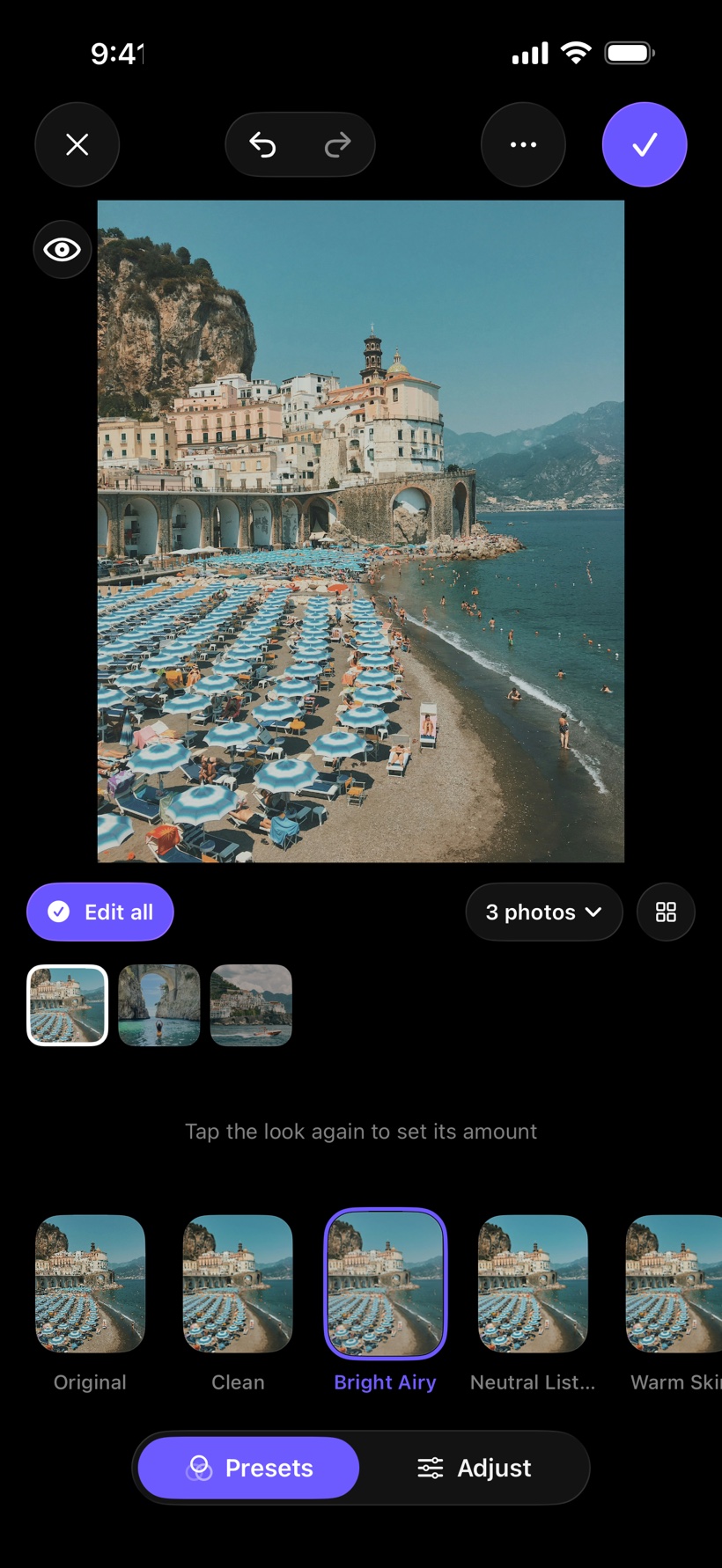

Edit one. Match all.
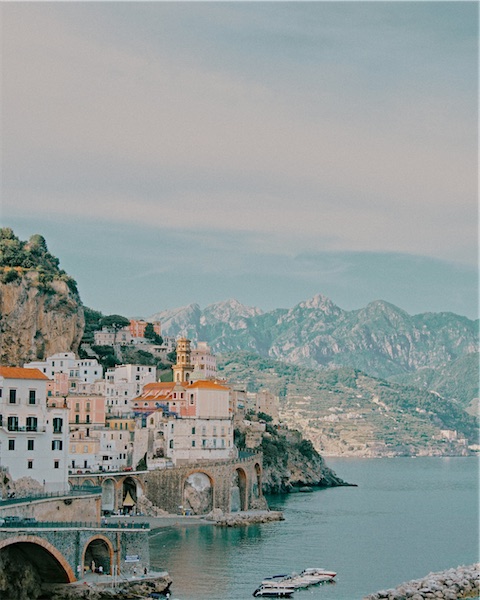
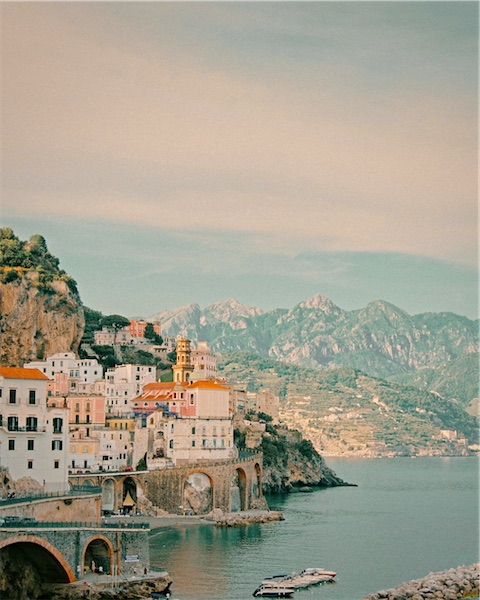
Pick the photos from one trip, party or shoot. Edit one, and every other photo follows, light and colour matched. Review flags anything that still looks off, and you fix it in a tap.
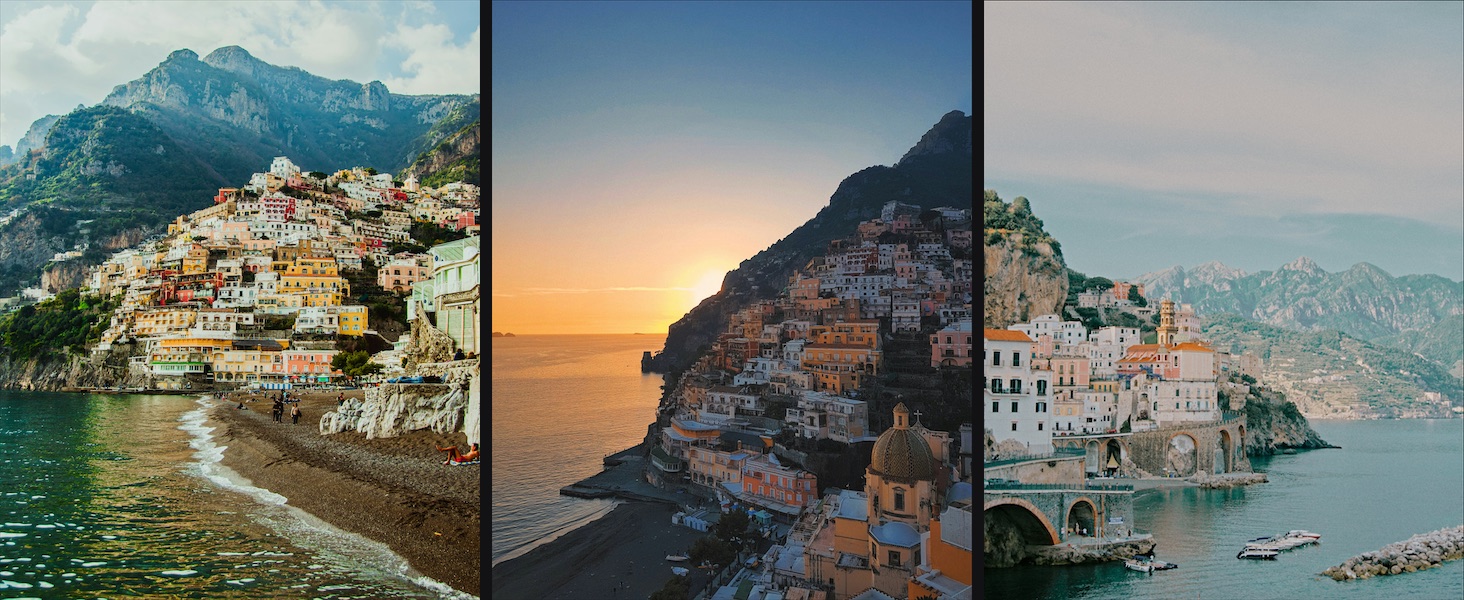
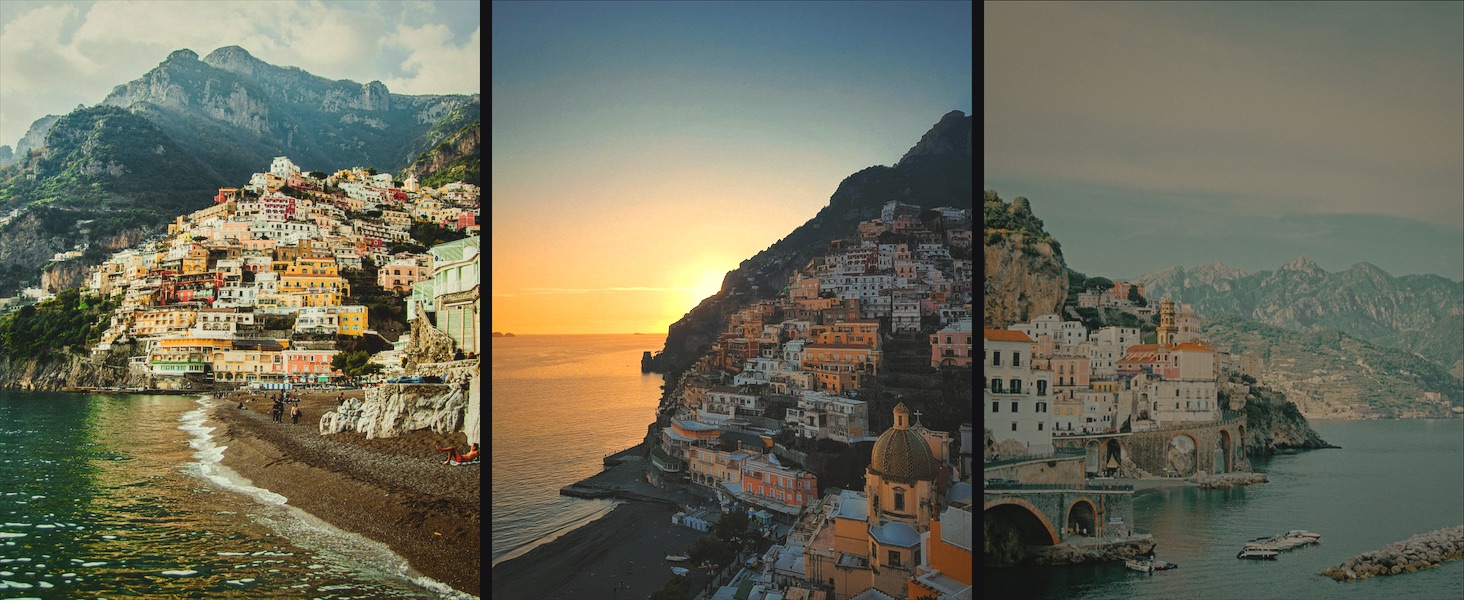 OriginalMatched
Drag to compare. One look, applied to three photos, with Match evening them out.
Looks you keep.
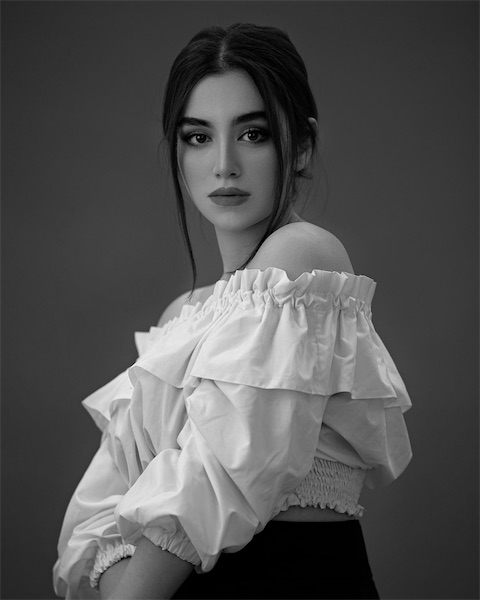
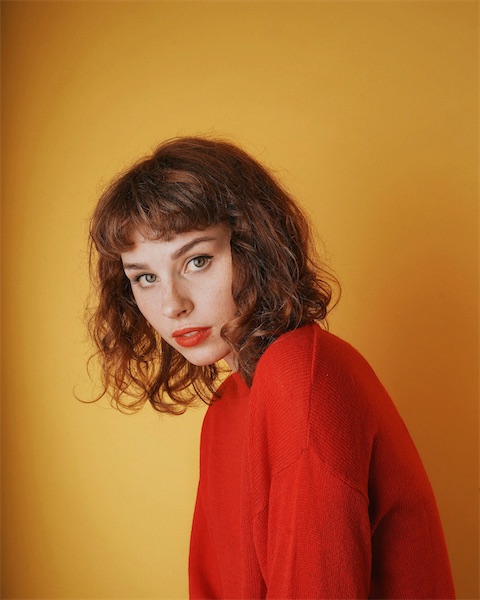
Twelve starter presets, from clean and bright to film grain, matte fade and soft black and white. Love a photo you saw somewhere? Match a photo copies its look as editable sliders. Save your own, set the strength with one slider, and share it as a file.

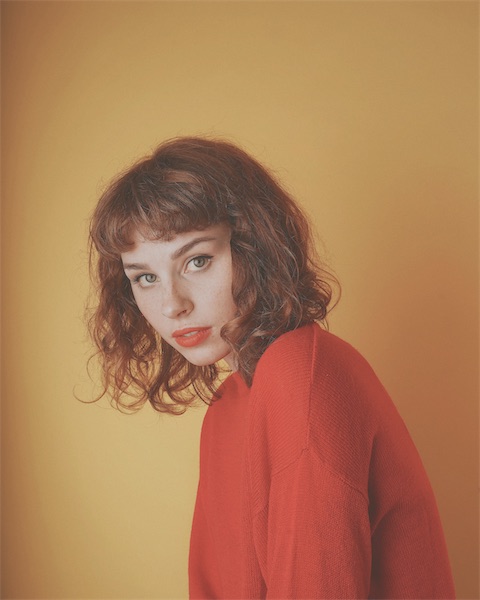

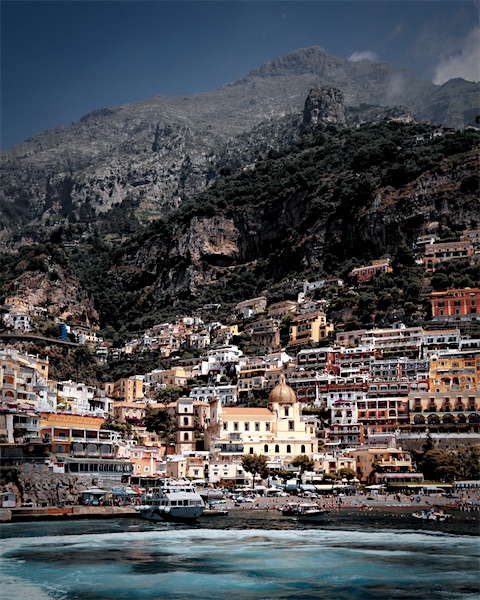
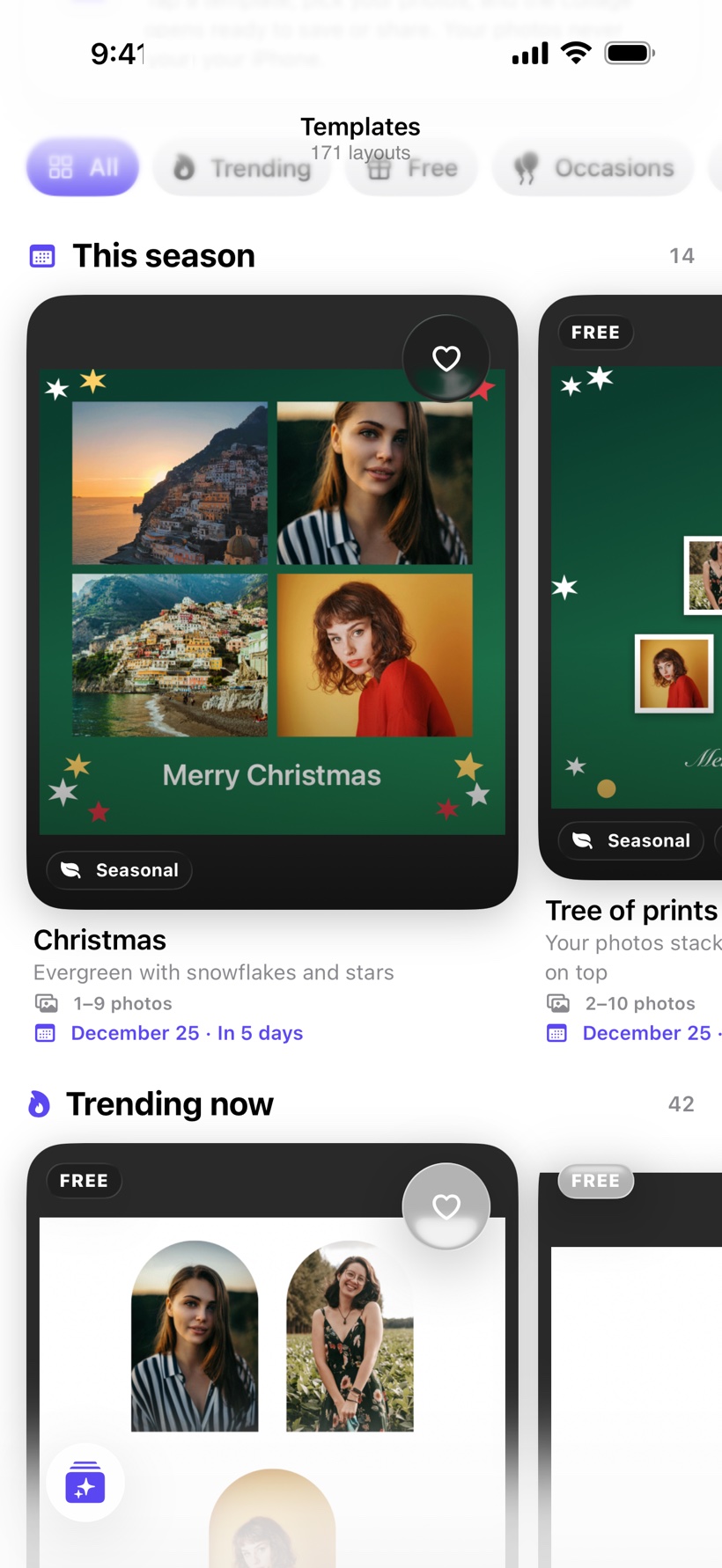
Layouts for every moment.
Hearts, grids, film strips and scrapbook boards for travel, friends, family, love, birthdays and weddings. Seasonal layouts come up on their own, from Halloween and Diwali to Christmas and New Year. Type a word and the right ones appear.
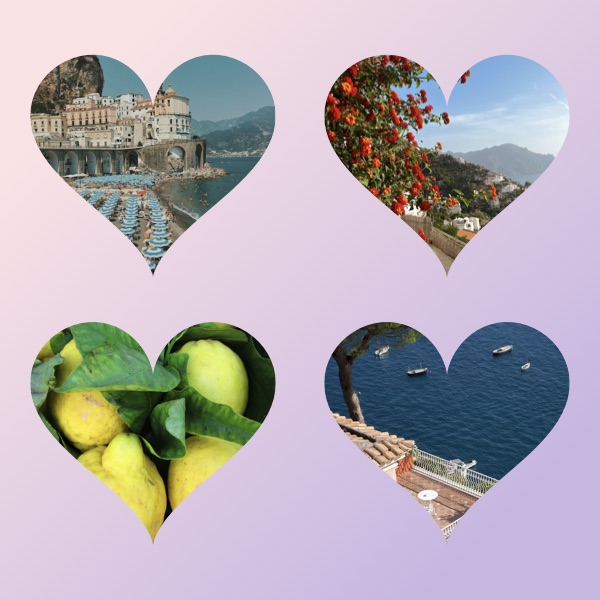 Hearts
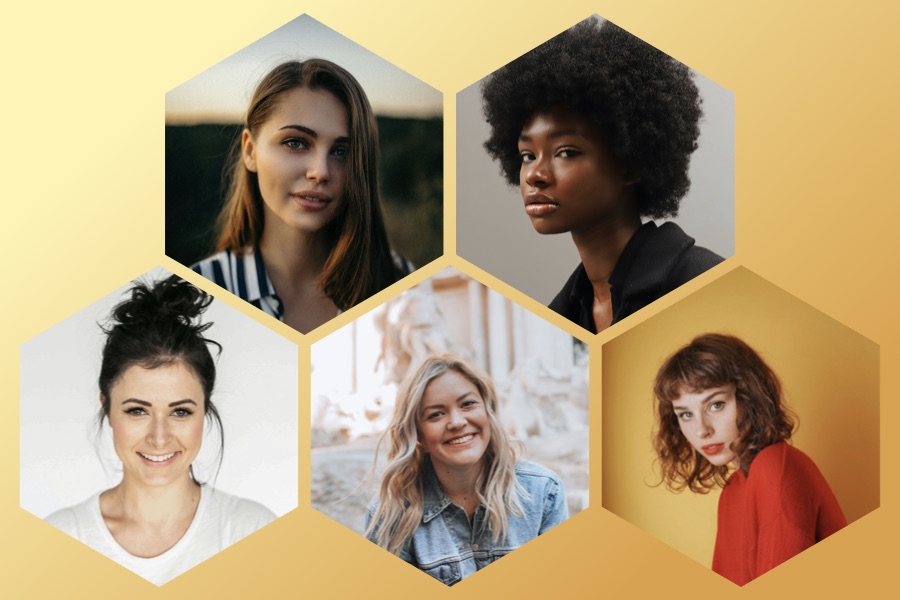 Honeycomb
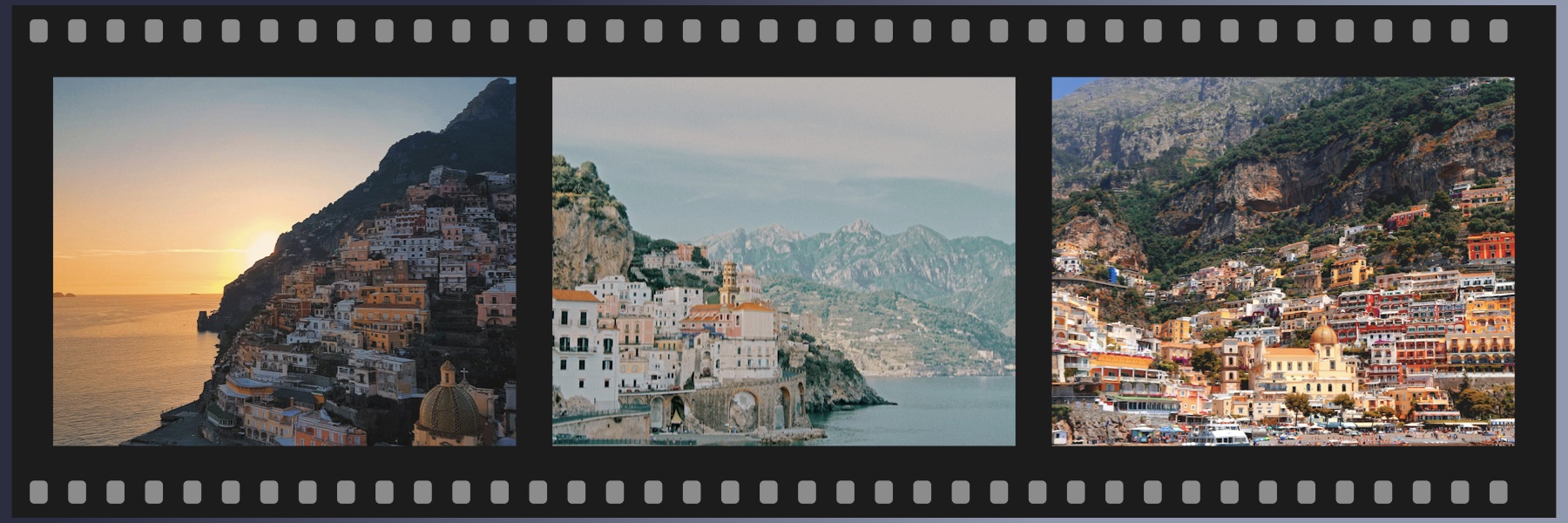 Film strip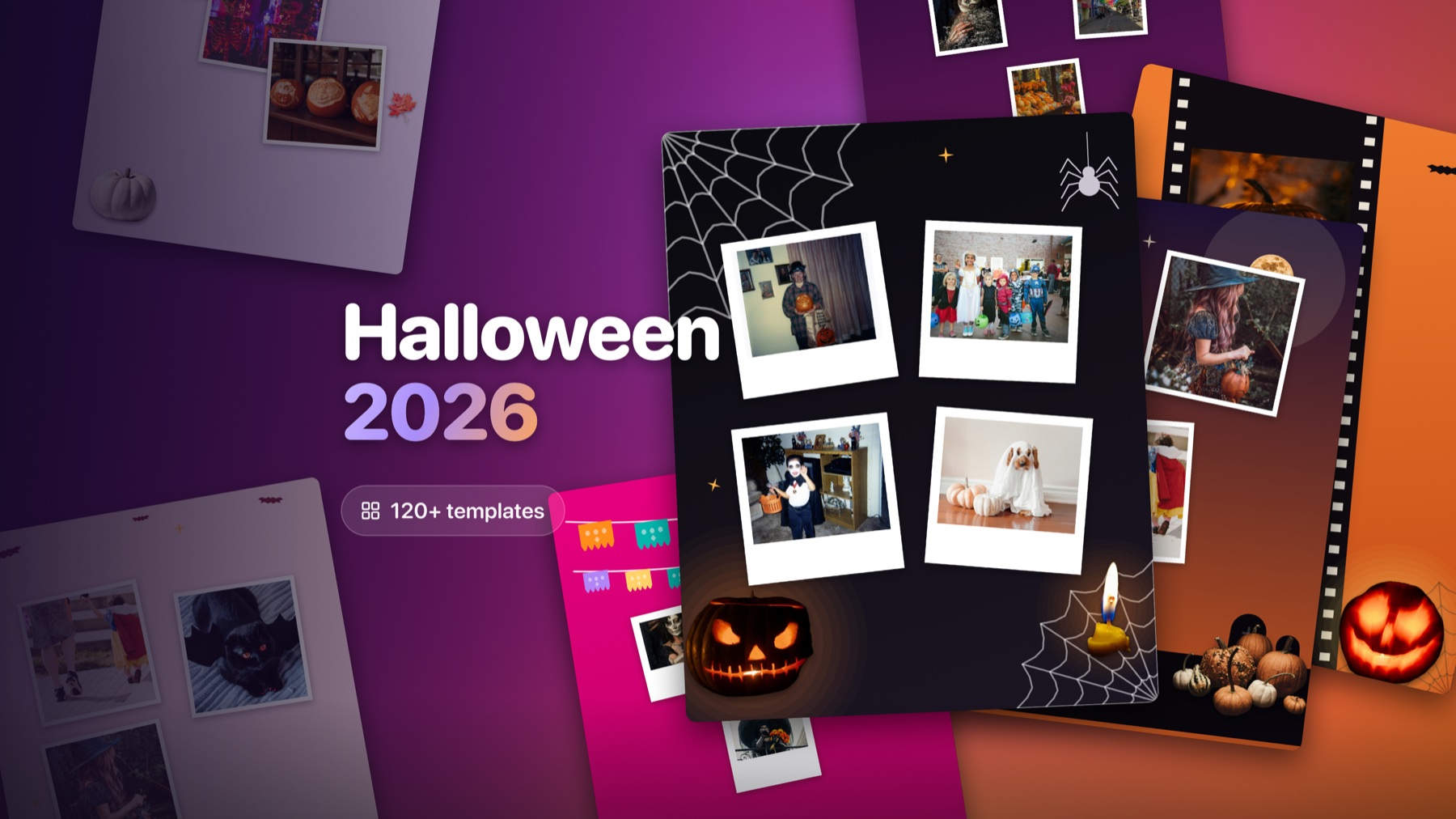
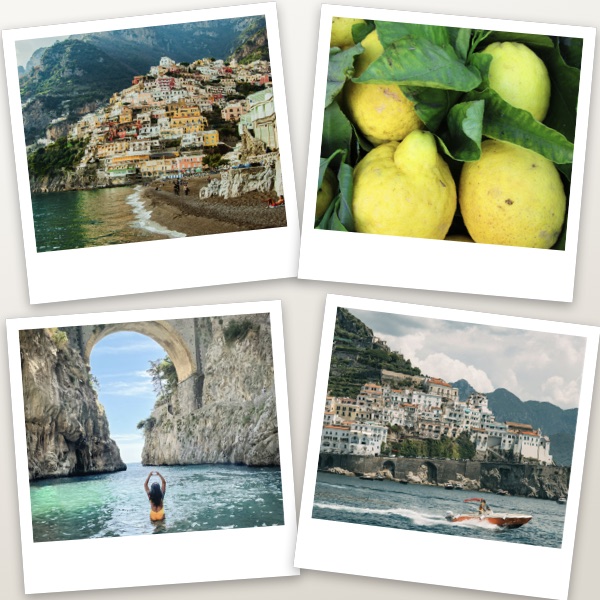 Prints
Say it on the photo.
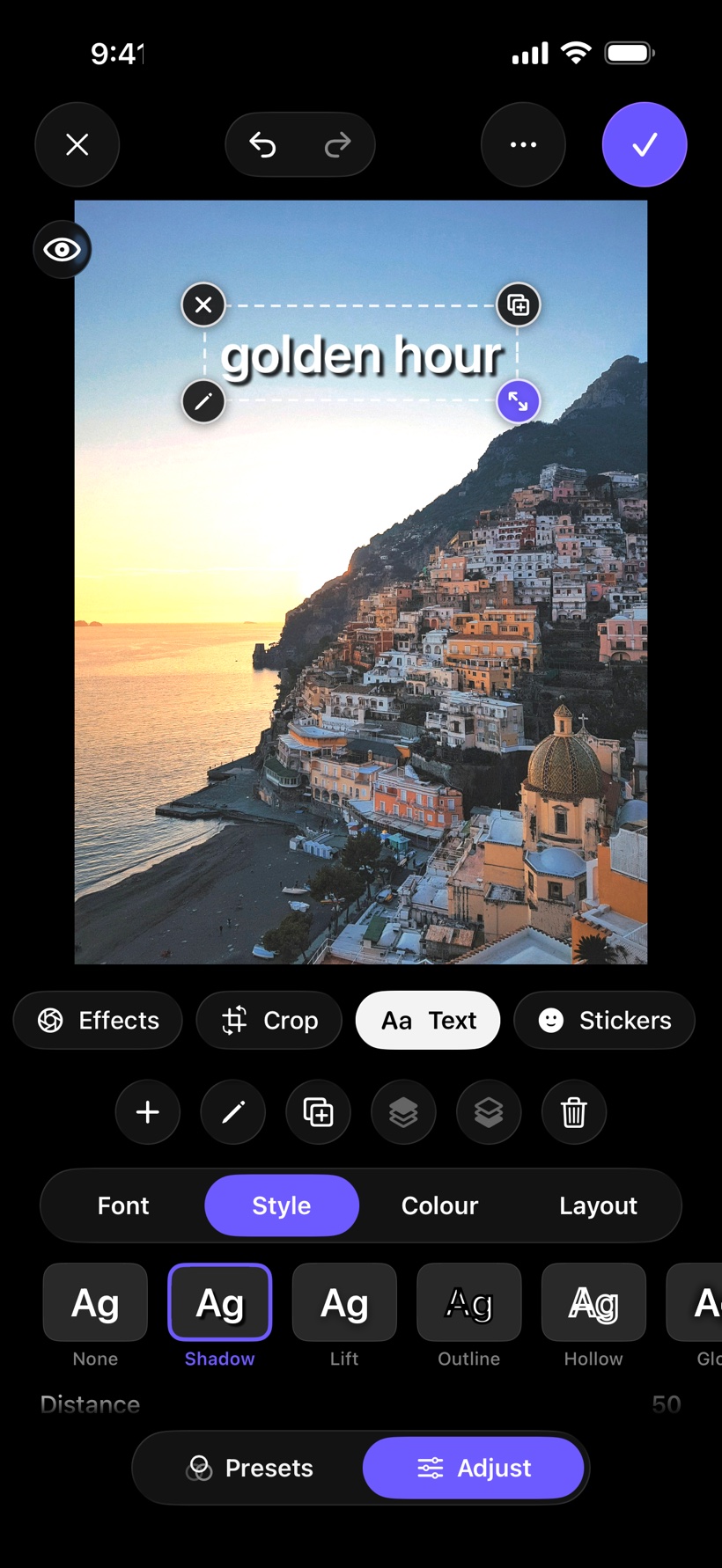
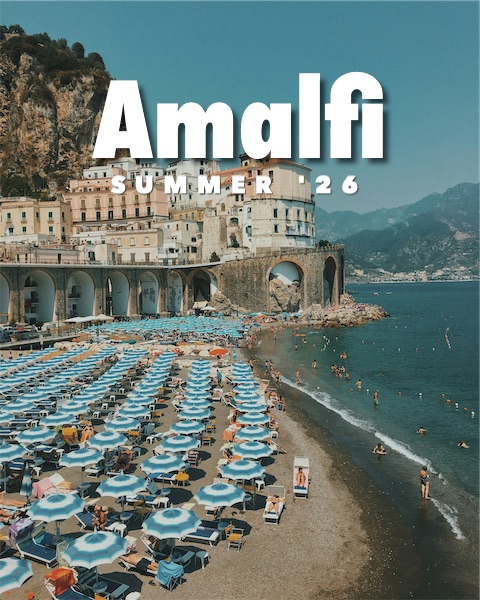
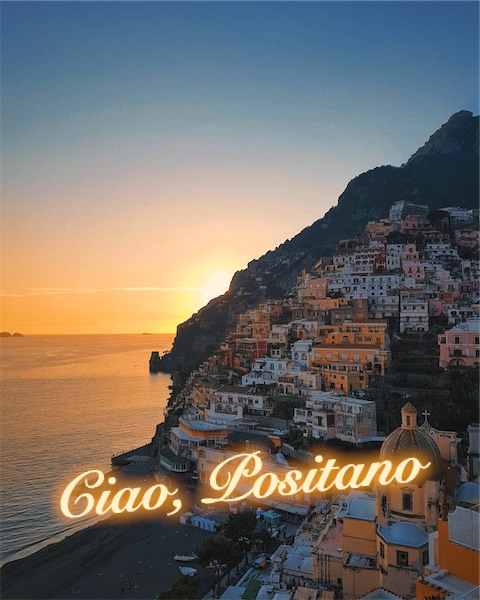
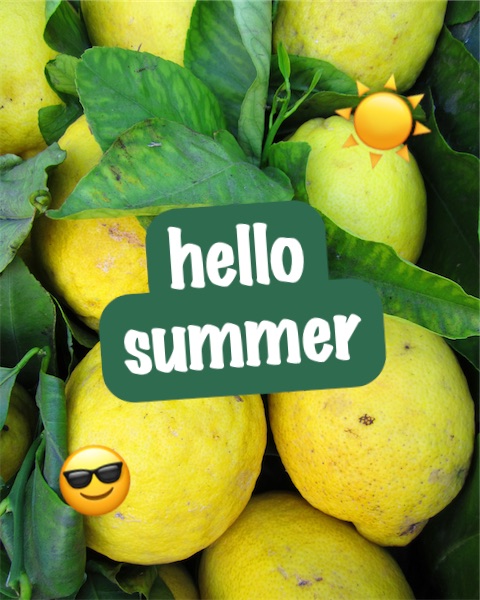
Thirty-three fonts and nine text styles, including Pop, Outline, Glow, Echo and backgrounds in Lines, Box or Pill. Illustrated stickers, word stickers, emoji and shapes, all searchable. Drag, pinch and twist any layer. It snaps to the centre and stacks front or back.
Real sliders, real colour.
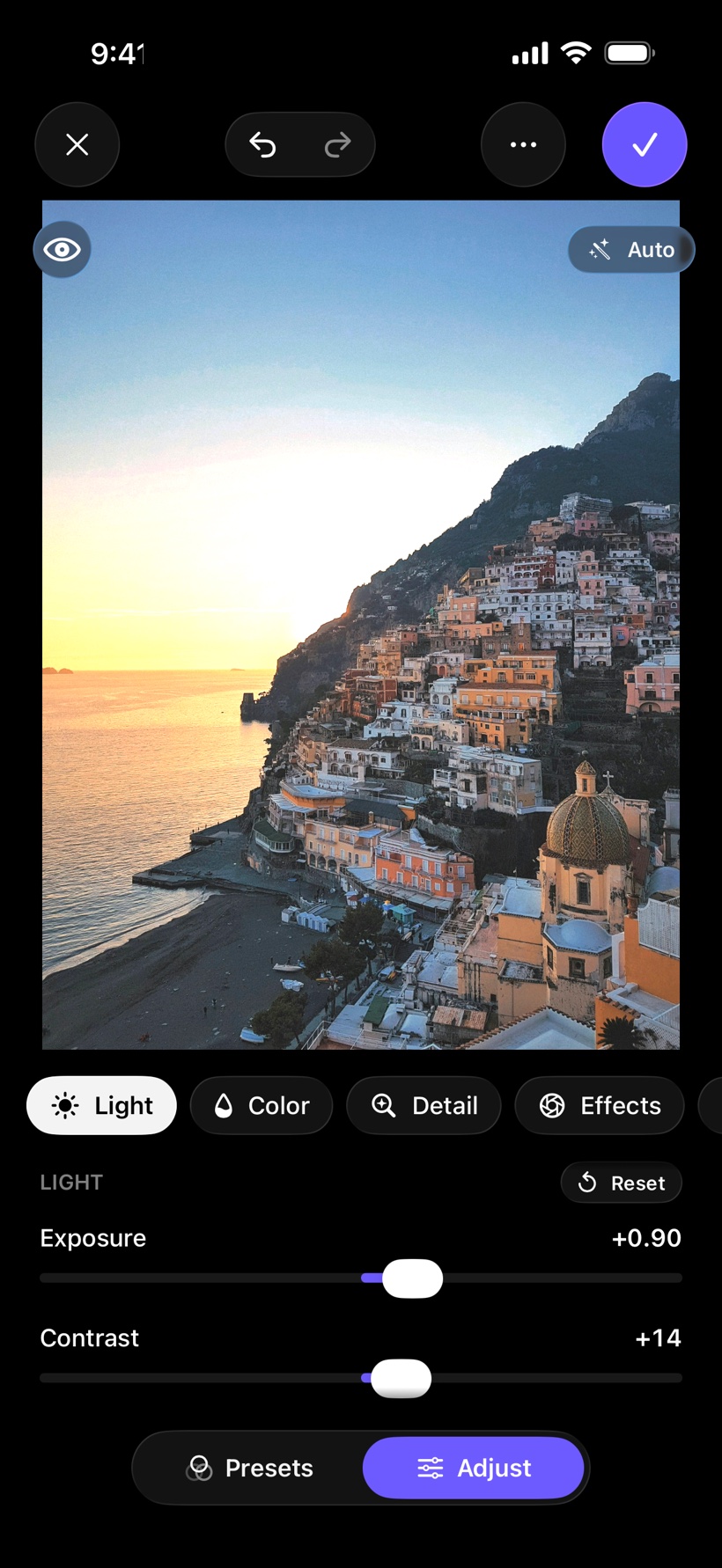
Everything a serious edit needs, on your device, never a server. Non-destructive, so you can reopen any photo and change your mind.
Light
Exposure, contrast, highlights, shadows, whites, blacks and curves.
Colour
Temperature, tint, vibrance, HSL by hue and three-way colour grading.
Detail
Texture, clarity, dehaze, sharpening, noise reduction, grain, fade and halation.
Crop
Ratio presets, straighten, perspective, flip and auto-level.
Heal
Brush away a blemish, a stray wire or a small distraction.
Masks
Adjust only the subject, only the background, or a radial or linear area.
Background
Blur it, fill it with a colour, or remove it for a transparent PNG.
Depth blur
For Portrait photos, sharp exactly where you tap.
Sized right for every feed.
Straight to your socials
Exact sizes for posts, stories, banners and 4×6 prints. JPEG, HEIC or PNG, and HDR photos stay HDR.
- Carousel. Split one wide photo into 2 to 10 seamless slides, exported in order.
- Profile grid. Cut a picture into tiles that build up on your profile.
- Before and after. A side-by-side image or a wipe video. Slideshow videos from any set.
- Watermark. Your name or handle on every export.
- One tap. Send to Instagram, TikTok, WhatsApp, Threads and more, or save to Photos.
Works where you are
Softune fits into the way iPhone already works, on iPhone and iPad.
- Share sheet and Photos. Edit in Softune from any app, or right inside the Photos app.
- Shortcuts and Siri. Apply a preset to a batch of photos in the background.
- Widgets. Home Screen, Lock Screen and Control Center.
- Saved collages reopen with every photo and crop where you left it.
- Live Photos keep their motion. Edits reopen with every adjustment still there.
Open the app and start editing.
No account to make. Every edit is non-destructive, so reopen any photo later and change your mind.
Free to start. Pro when you need it.
Sets of up to 3 photos, every editing tool, text, stickers and the free layouts are included. Softune Pro is one yearly plan, and the first month is free. Cancel any time.
Billed through your Apple Account after the free month, renewing yearly unless cancelled at least 24 hours before the period ends. Manage it in Settings, under your name, then Subscriptions.
- Sets of any sizeMatch a whole shoot, not just three photos.
- Every premium layoutAll 300+ templates, including the seasonal boards.
- Pro export presetsWeb 2048 with location stripped, and Listing with its own dated album.
- Nothing else changesNo account, no uploads, and the free tools stay free.
Tune your photos gently.
Softune for iPhone and iPad. Free to download, with a free first month of Pro.